

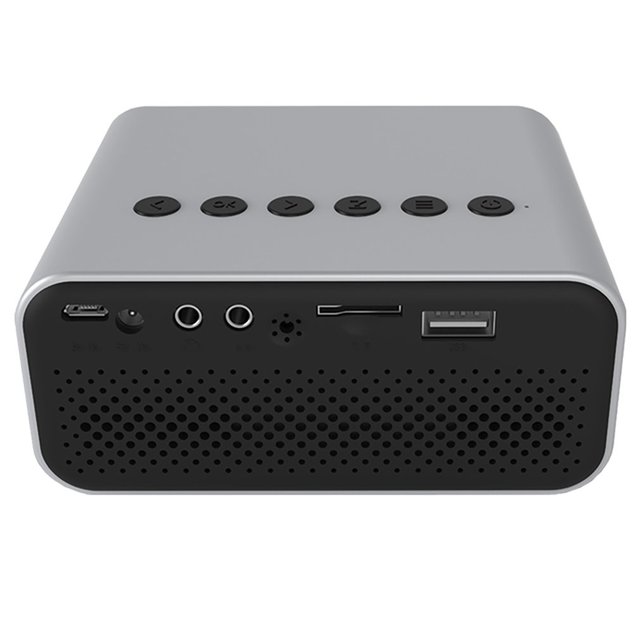


DATA FROG Racing Steering Wheel With Vibration And Pedals For Switch
23 in stock
Choose from four vibrant color options to match your gaming setup perfectly. This racing steering wheel features built-in vibration and includes pedals for complete control on your Switch.
Price range: $50.97 through $65.99
- High-concerned chemical: None
- Console/System: Windows 11,PlayStation 4,Windows 7,Windows XP,PlayStation 3,Windows 10,Xbox One,Switch lite,Switch,Switch OLED,Windows 8,Windows 7-11
- Compatible Platforms: xbox,Nintendo Switch,PC,playstation
- Wheel (Real Quick Release): No
- With Pedal Set: Yes
- Maximum Rotation Angle: 180 °
- Power Supply Mode: Wired Power Supply
- Shift Mode: Paddle
- Connection: Wired
- Force Feedback: No
- Model Number: YJ0629215
- Brand Name: DATA FROG
- Origin: Mainland China
The 2 in 1 option means it is for PC / PS3
The 3 in 1 option means it is for PC / PS2 / PS3
(Note: You need to download the driver when connecting 3in1 to PC)
The 4 in 1 option means it is for PC / PS2 / PS3 and Xbox 360
The 7 in 1 option means it is for PC / PS3 / Xbox 360 and Xbox one / PS4 / Switch / Android
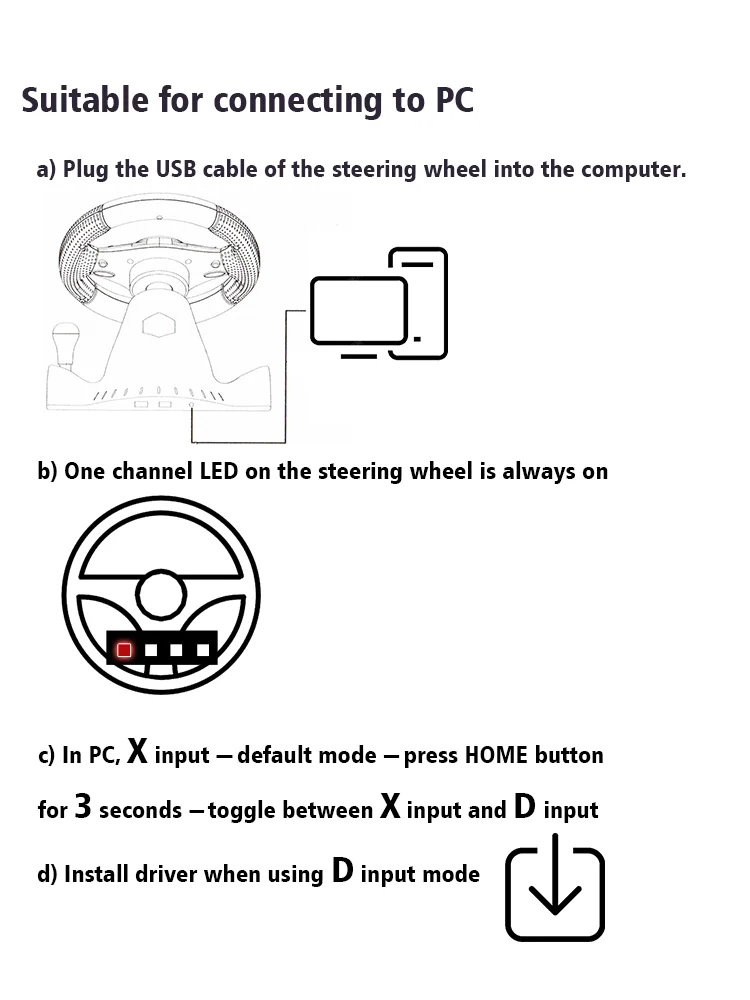
How To Connect To PC
a) Plug the USB cable of the steering wheel into the computer.
b) One channel LED on the steering wheel is always on
c) In PC, X input is recognized as default mode.
Press the HOME button for 3 seconds to toggle between X input and D input.
d) Install the driver when using D input mode.
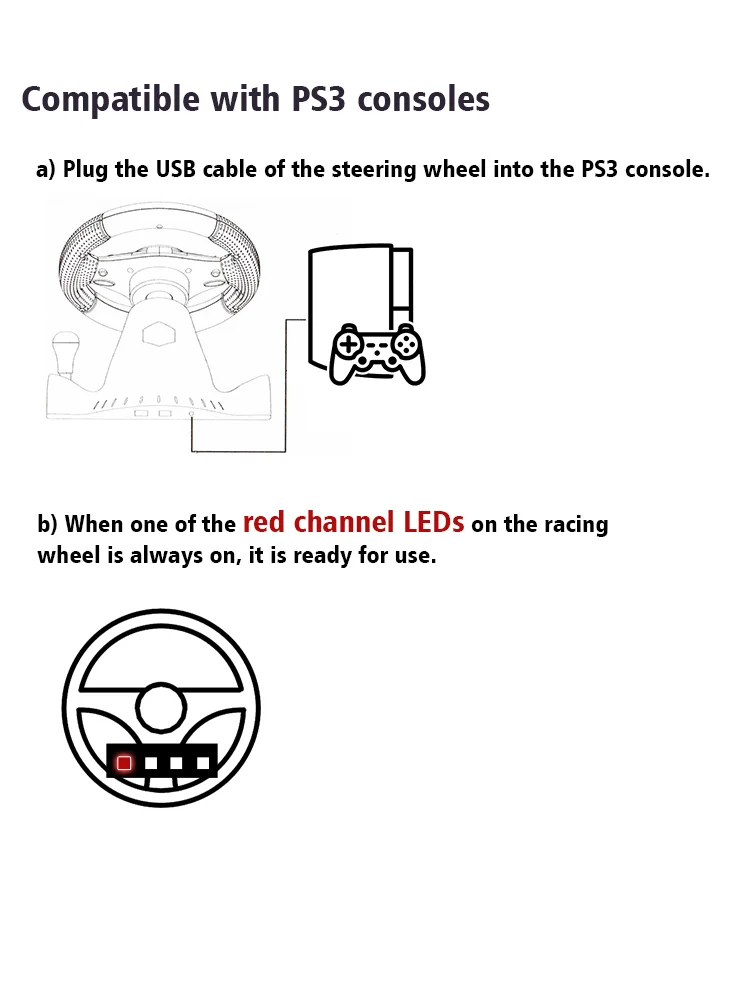
How To Connect PS3
a) Plug the USB cable of the steering wheel into the console for PS3.
b) When one of the red channel LEDs on the racing wheel is always on, it is ready for use.
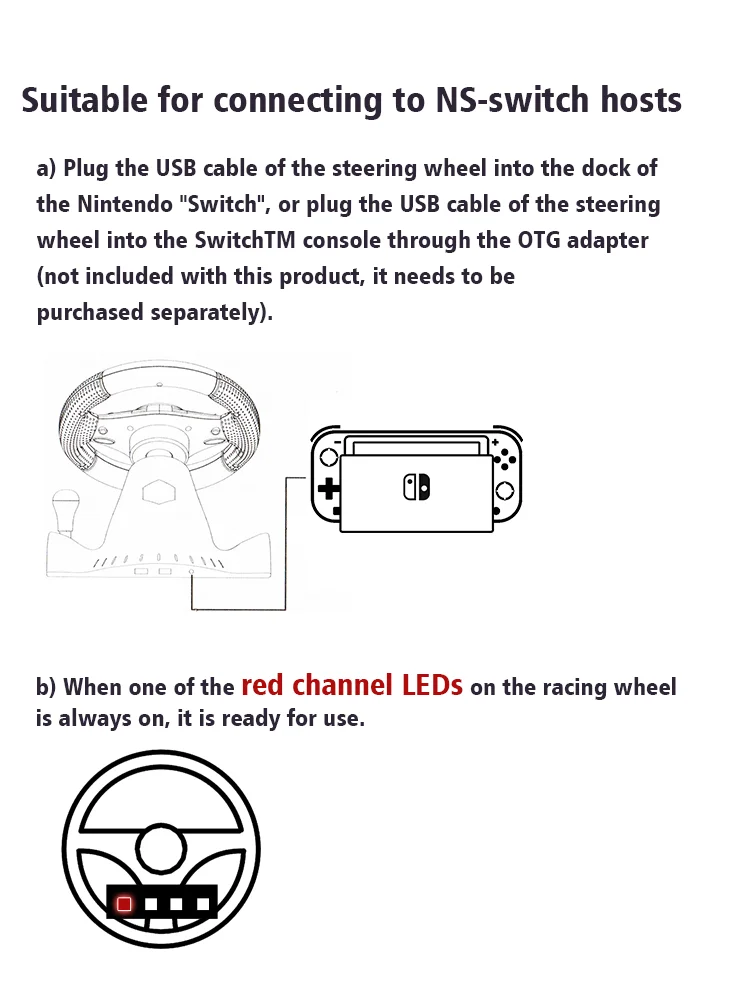
How To Compatible- Switch
a) Plug the USB cable of the steering wheel into the dock of the compatible- Switch, or plug the USB cable of the steering wheel into the SwitchTM console through the OTG adapter (not included with this product, it needs to be purchased separately).
b) When one of the red channel LEDs on the racing wheel is always on, it is ready for use.
How To Connect Android Devices
a) Plug the steering wheel USB cable into your Android TM smart TV or set-top box, or plug the steering wheel USB cable into your Android smartphone via an OTG adapter (not included with this product, which needs to be purchased separately).
b) When one of the red channel LEDs on the racing wheel is always on, it is ready for use.

How To Connect PS4/Xbox One Consoles
a) Connect the appropriate original game controller or a third-party compatible game controller to the USB Type-A port on the rear of the steering wheel.
b) Plug the USB cable of the steering wheel into the game console.

Packge Included
Please select the corresponding one for your game console.
1* Steering Wheel
1* Pedals

Description
Racing Steering Wheel Vibration Controller Gaming Simracing Car Games with Pedals
15-day Free Return and Refund Service
We offer a 15-day free trial of our products in 24 countries, if you don't like what you received, just return it and you can get a full refund! But remember to select "Personal Reasons" as the reason for the dispute so you don't have to pay for shipping and get a full refund when you return it! (For other reasons, you may be charged a hefty shipping fee.)

Based on 0 reviews
Only logged in customers who have purchased this product may leave a review.
Related products
-
Camera & Photo, Consumer Electronics
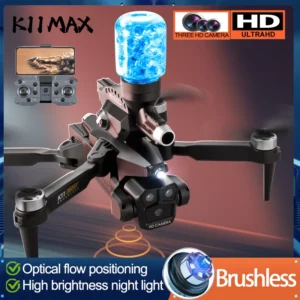
Multiplayer Remote Control Flying Toys Launch Water Bomb Drone Triple
 Camera & Photo, Consumer Electronics
Multiplayer Remote Control Flying Toys Launch Water Bomb Drone Triple
Choose from three vibrant color options for this multiplayer remote control flying drone. This unique water bomb toy provides engaging aerial action for group play during any outdoor gathering.
SKU: 3256807127734597 -
Consumer Electronics, Games & Accessories
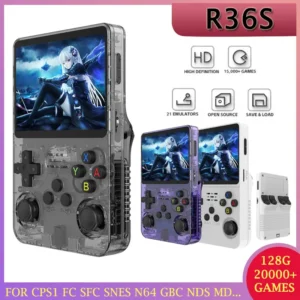
R36S Handheld Game Console 3.5 Inch IPS Screen Retro Game Console Linux
 Consumer Electronics, Games & Accessories
R36S Handheld Game Console 3.5 Inch IPS Screen Retro Game Console Linux
Choose from six vibrant color options to match your personal style with this R36S handheld game console. The 3.5 inch IPS screen provides sharp visuals for your favorite retro games running on a Linux system.
SKU: 3256806226055962 -
Camera & Photo, Consumer Electronics
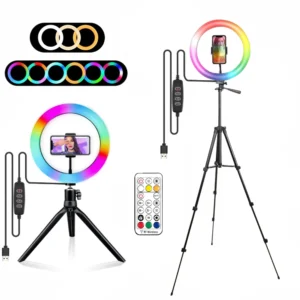
RGB Ring Light Lamp Ring Round With Remote Control For Smartphone
 Camera & Photo, Consumer Electronics
RGB Ring Light Lamp Ring Round With Remote Control For Smartphone
Control your lighting setup easily with this RGB ring light featuring three color options. Use the included remote control to adjust your smartphone photography settings for perfect results every time.
SKU: 3256805599790549 -
Consumer Electronics, Games & Accessories
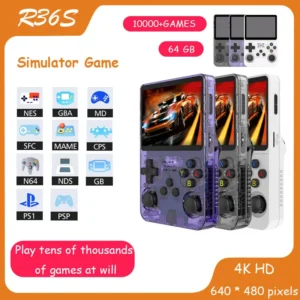
R36S Handheld Game Console R35s Plus Video Game Console Linux System
 Consumer Electronics, Games & Accessories
R36S Handheld Game Console R35s Plus Video Game Console Linux System
Choose from three vibrant color options to match your personal style with this R36S handheld game console. The Linux system provides reliable performance for all your favorite retro titles on the go.
SKU: 3256806106200383
There are no reviews yet.