



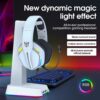
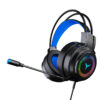
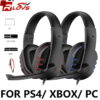
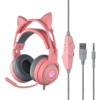
Game Headphones Gaming Headsets Bass Stereo Over Head Earphone Casque
20 in stock
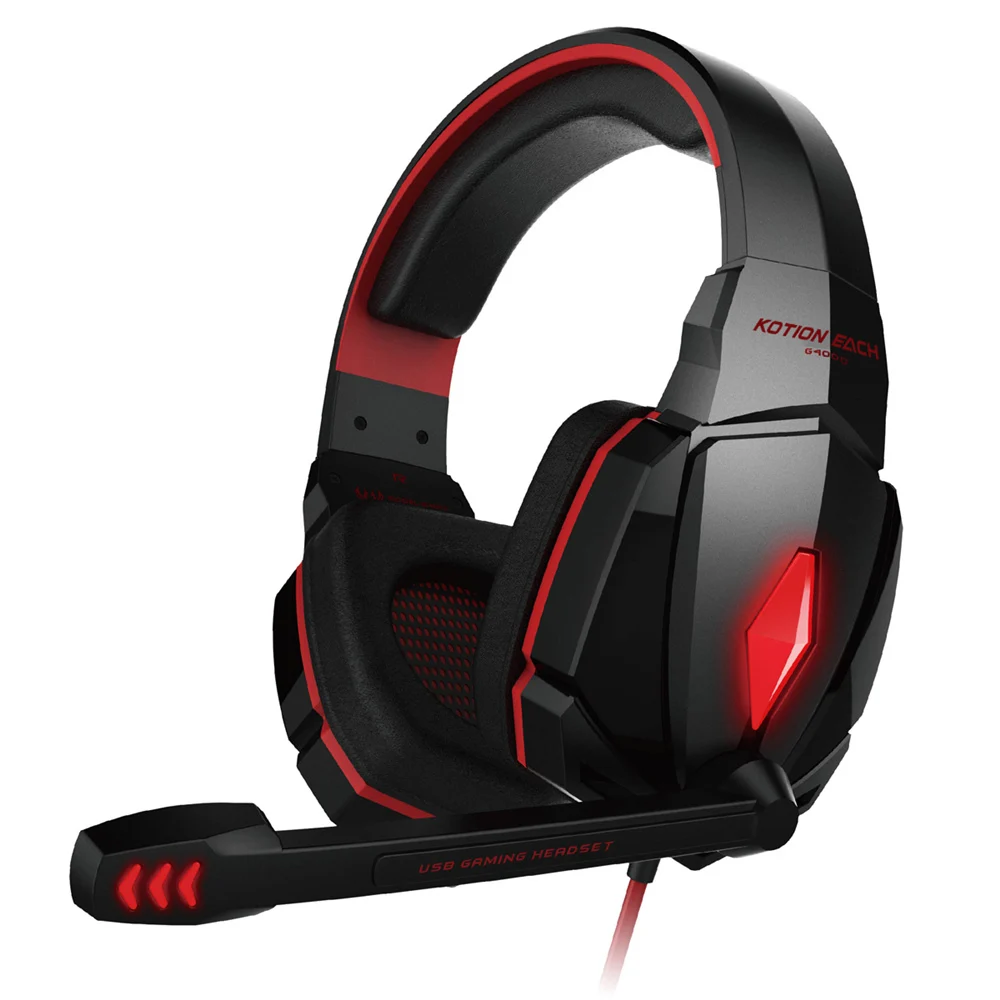
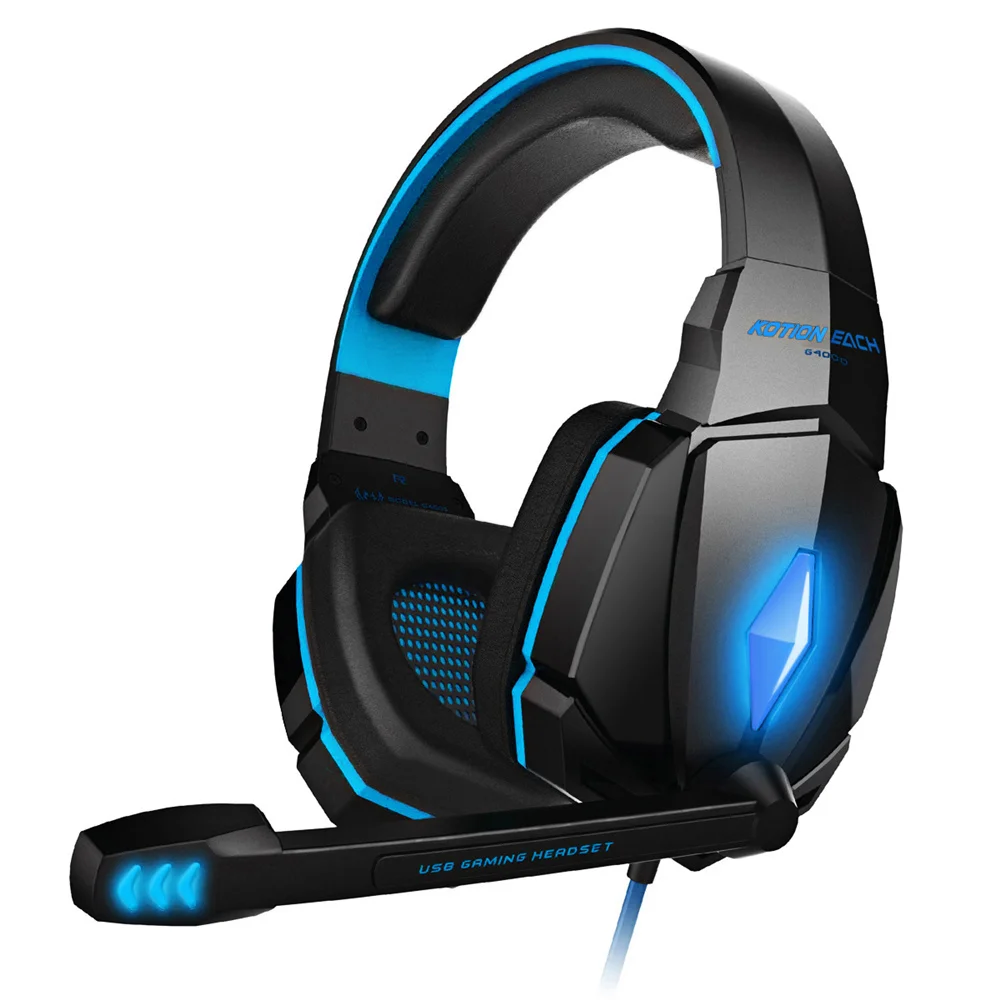
Choose from seven vibrant color options to match your unique gaming setup. These over-ear stereo headphones deliver deep bass for powerful audio during every PC gaming session.
Price range: $18.99 through $29.49
- Brand Name: KOTION EACH
- Style: Headphone
- Vocalism Principle: Hybrid technology
- Origin: CN(Origin)
- Active Noise-Cancellation: Yes
- Control Button: Yes
- Communication: Wired
- Volume Control: Yes
- Sensitivity: 105dB
- Is wireless: No
- Certification: NONE
- Number Of Drivers: 2
- Plug Type: Line Type
- Impedance Range: up to 32 Ω
- Connectors: 3.5mm
- Model Number: G2000/G9000/G4000
- Earcups Type: Semi-open
- Headphone Pads Material: Memory Foam
- Support Memory Card: No
- Waterproof: No
- Frequency Response Range: 20 – 2000000Hz
- Total Harmonic Distortion: 0.05%
- Magnet Type: Neodymium
- Wireless Type: None
- Line Length: 2.1m
- Support APP: No
- Function: For Internet Bar
- Function: for Video Game
- Function: Common Headphone
- Function: For Mobile Phone
- Function: HiFi Headphone
- Package List: Lightning Adapter
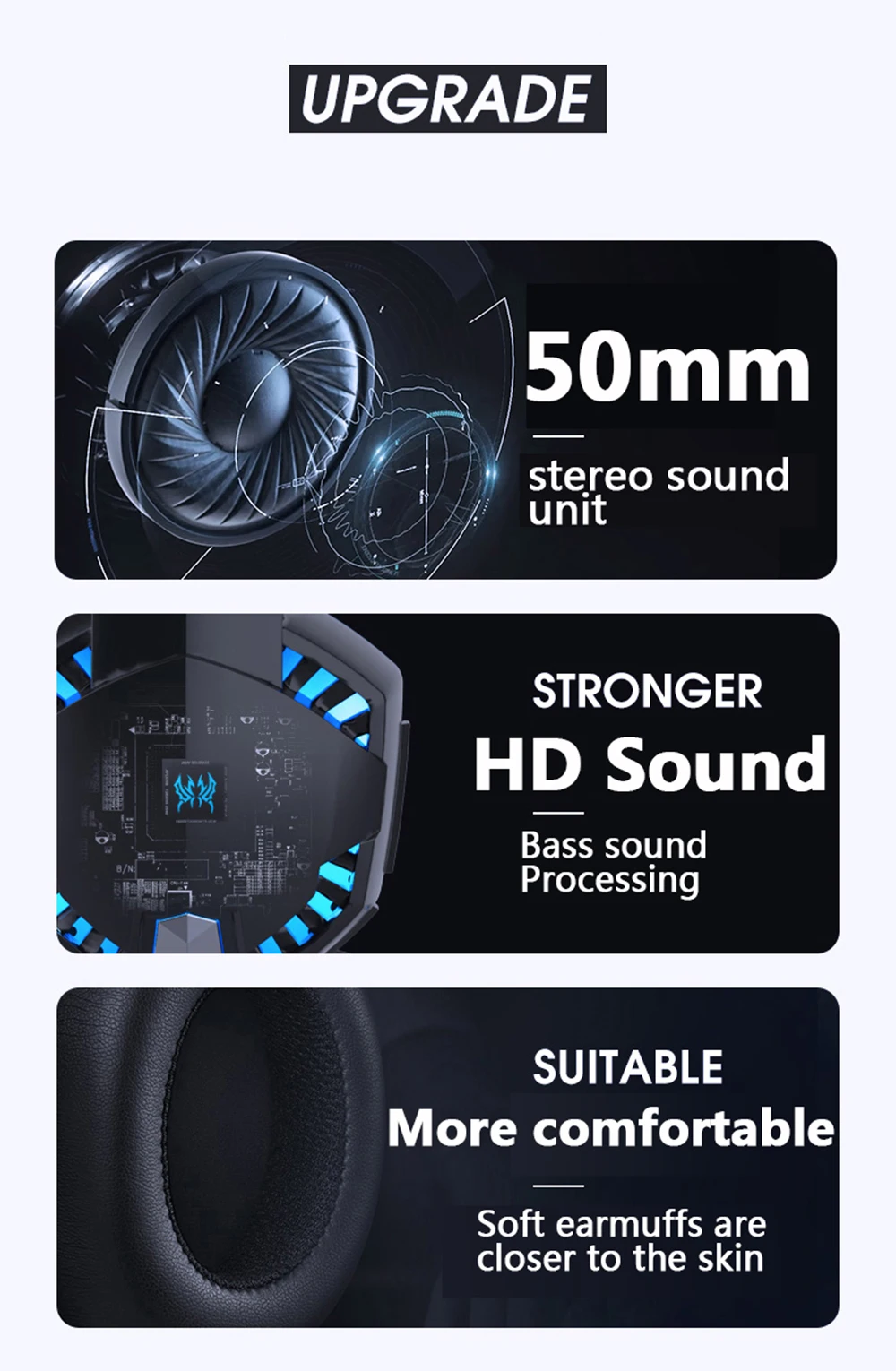
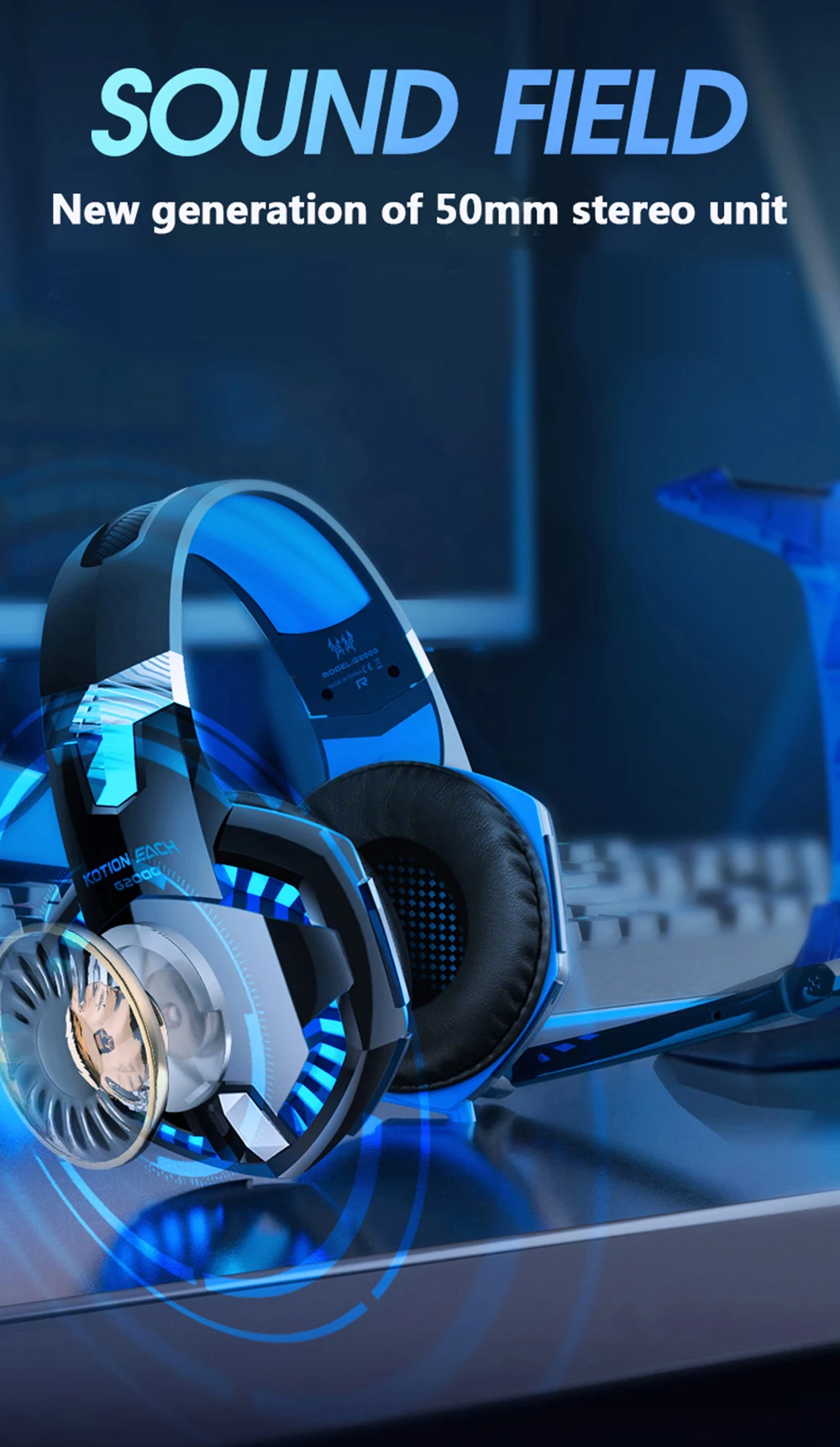
- Driver Diameter: 50mm
- Resistance: 22000Ω
- With Microphone: Yes
- Features: With Microphone
- Features: Amazon Alexa Support
- Features: Active Noice Cancelling
- Packing box: NO
Free gift:adapter *1
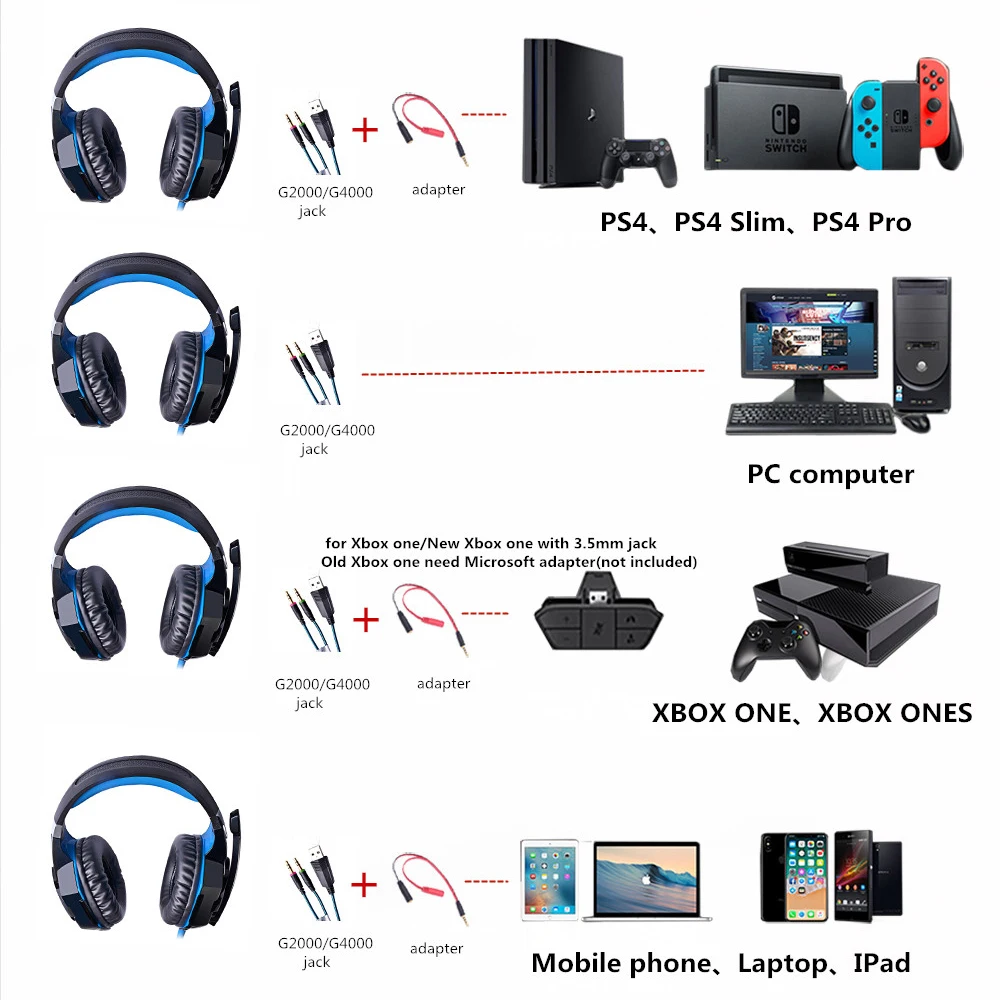
All headphones come with a [adapter]:
Suitable for use on PS4 / PC / Laptop / tablet / phone
Q:What is different of G2000 G4000 and G9000?
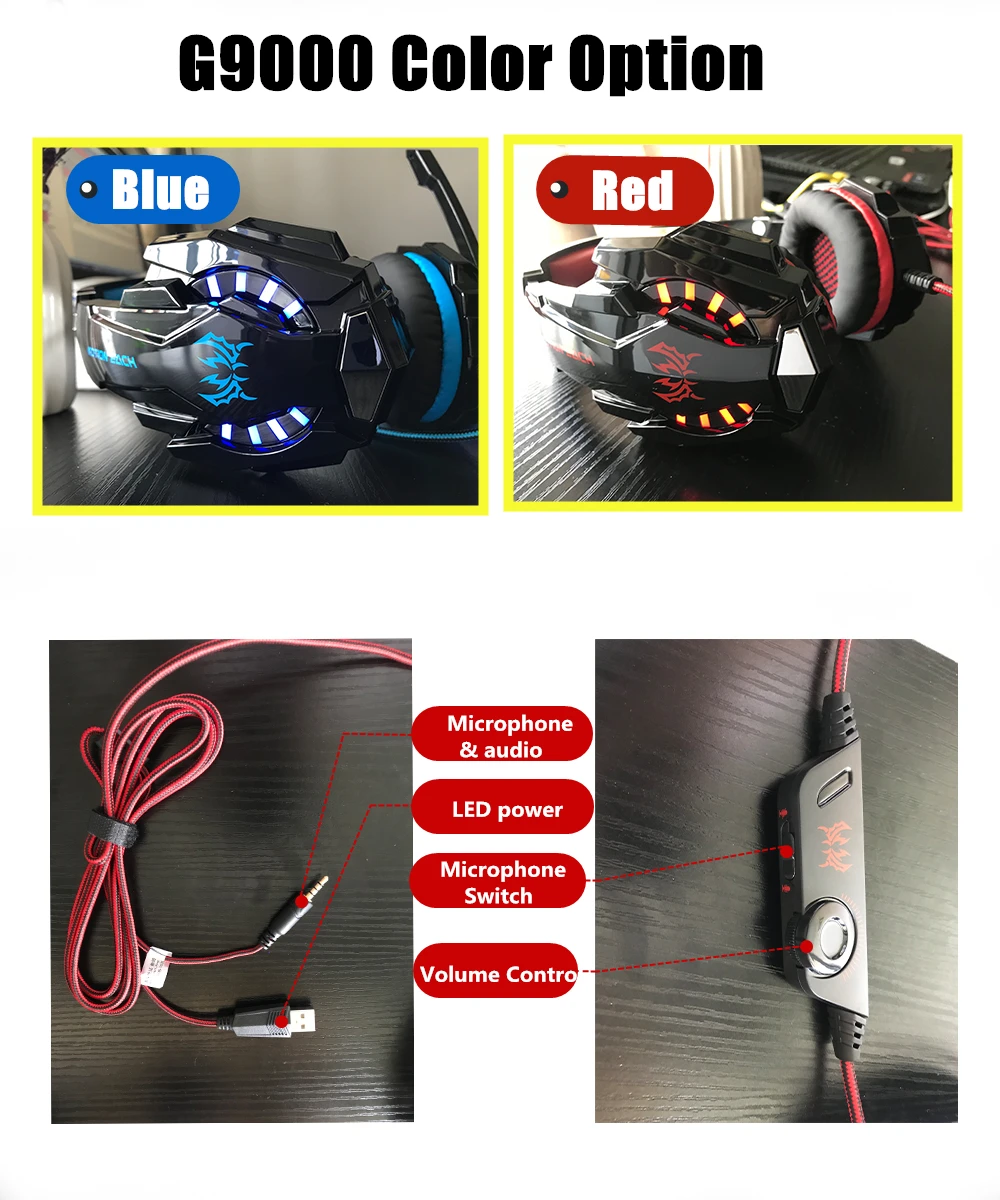
A:Their appearance is different,G2000/G4000 is 3 jack(one USB is for backlit power jack,one for microphone,one for sounds),G2000 is better than G4000.G9000 is 2 jack(one USB is for backlit power jack,one for microphone+sounds)
Attenion please:
The LED Light function could only work when you use USB Plug of the headphone! So if PS4 don`t have USB plug,when you use the headphone in PS4,it`ll not light!
we support droping shipping
How to connect to PS4❖
1. Insert the headset's 3.5mm jack into gamepad
2. Enter the System Settings by long pressing the PS4 button
3. Choose "PERIPHERAL MACHINES", then "ADJUST SOUND AND DEVICES", then "Output to the headphones", then change it to "All audio"
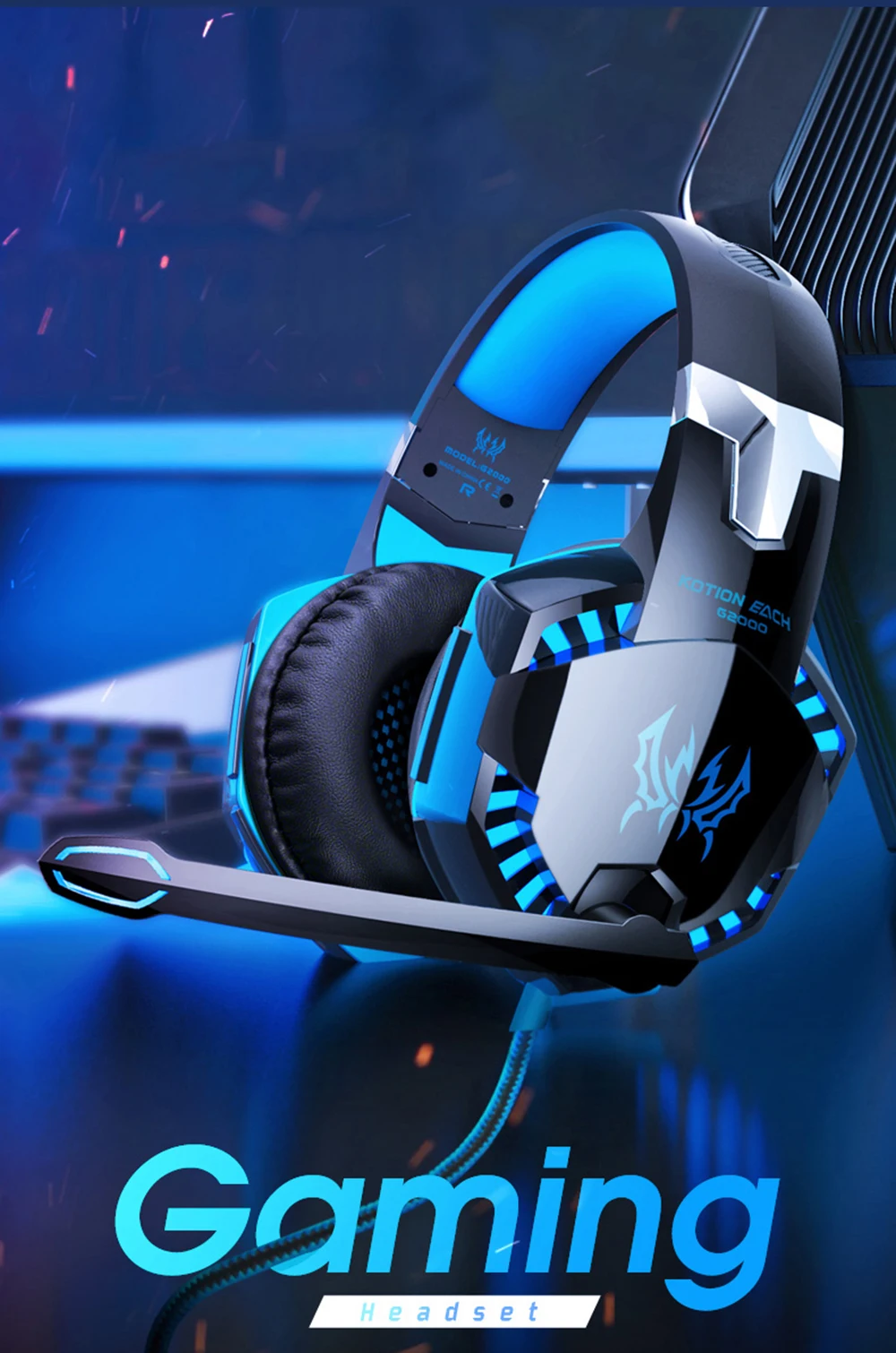
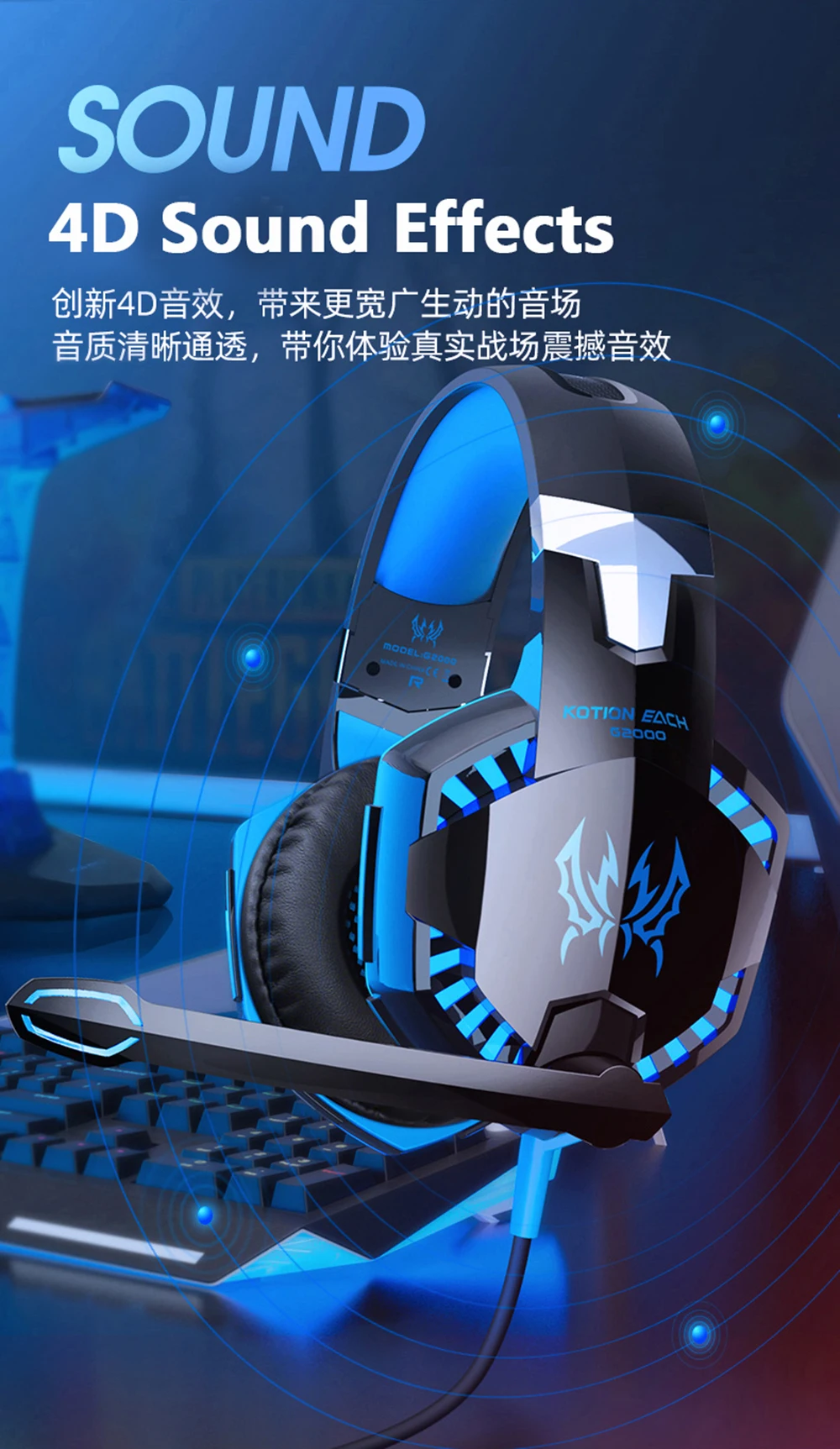
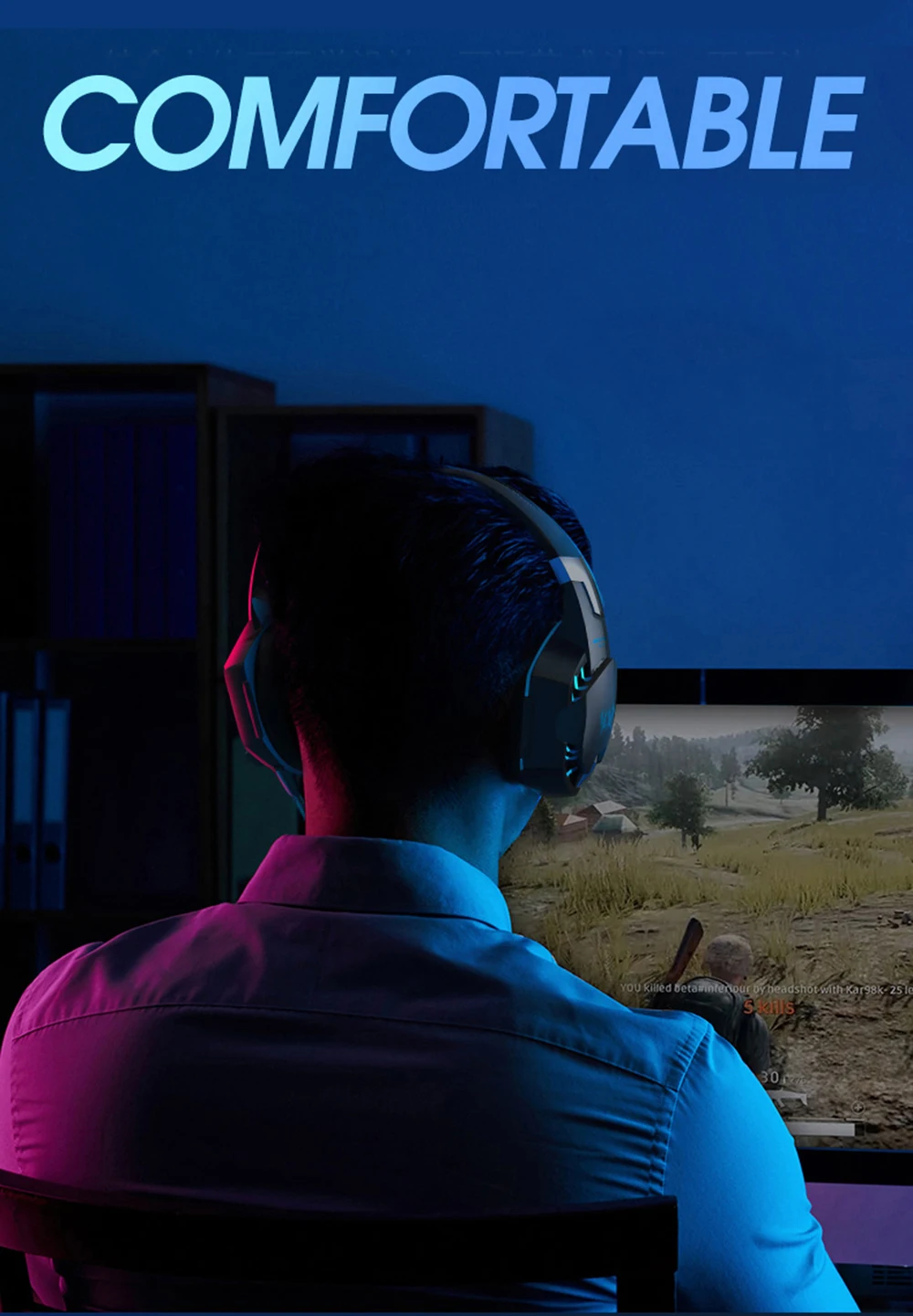
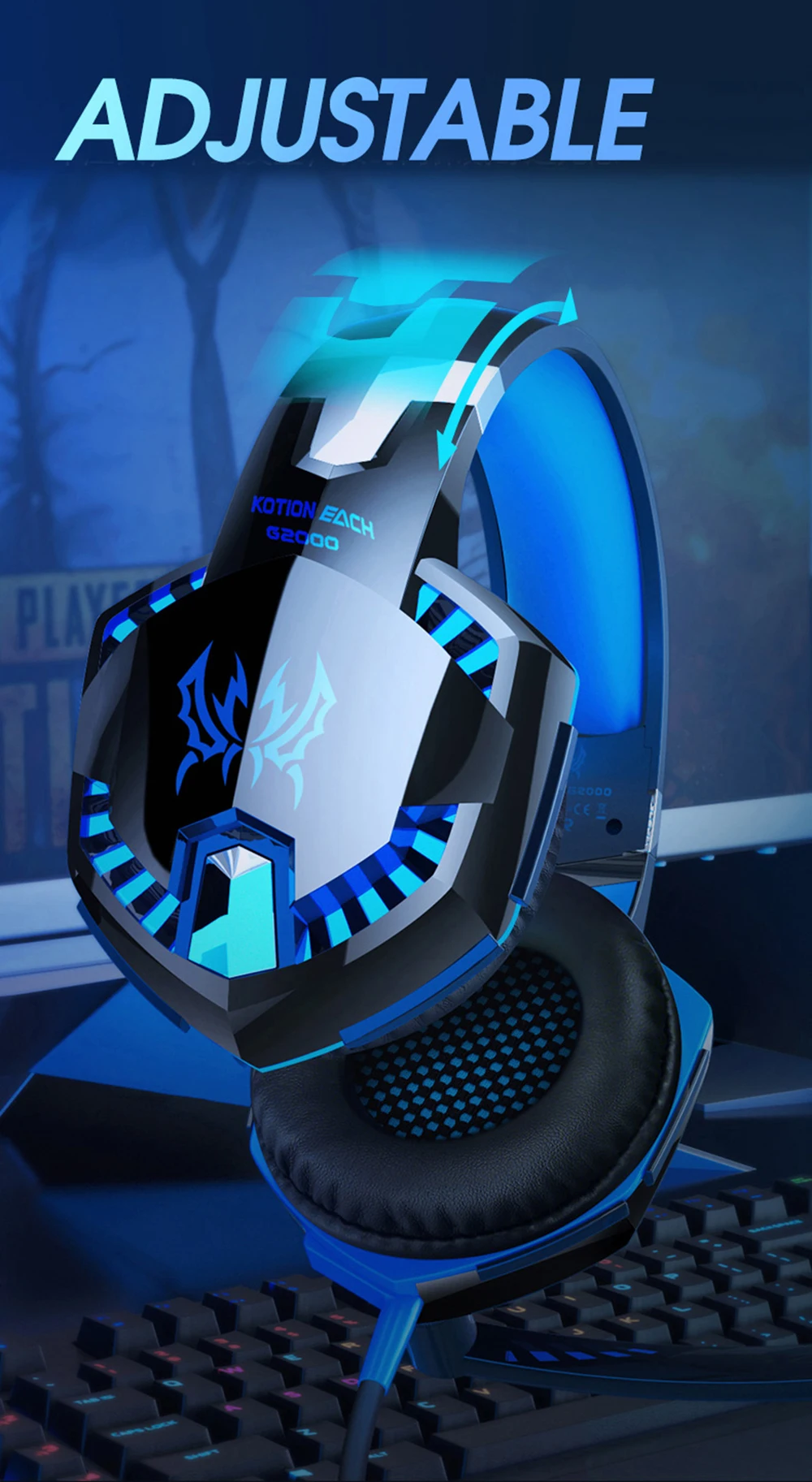
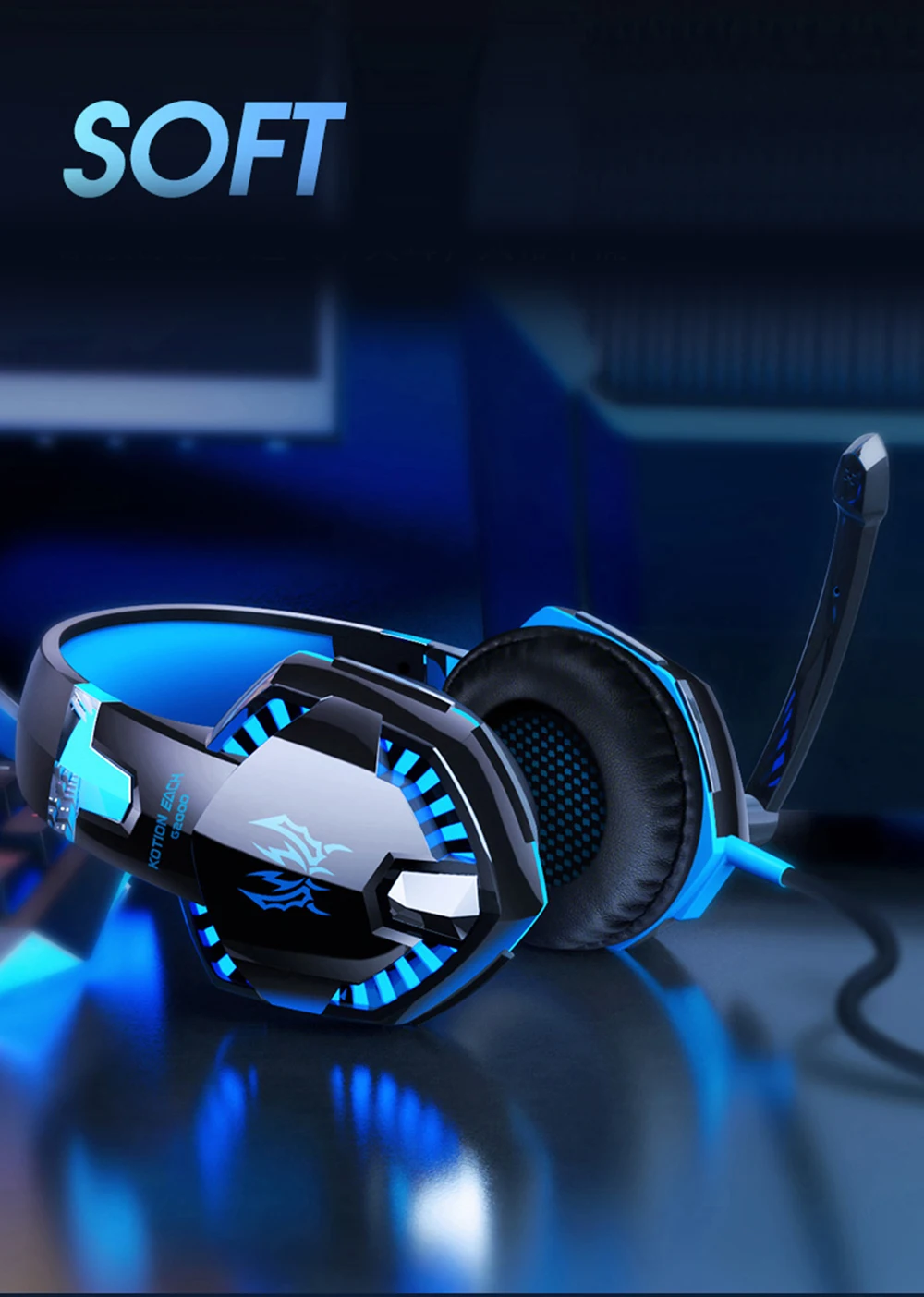
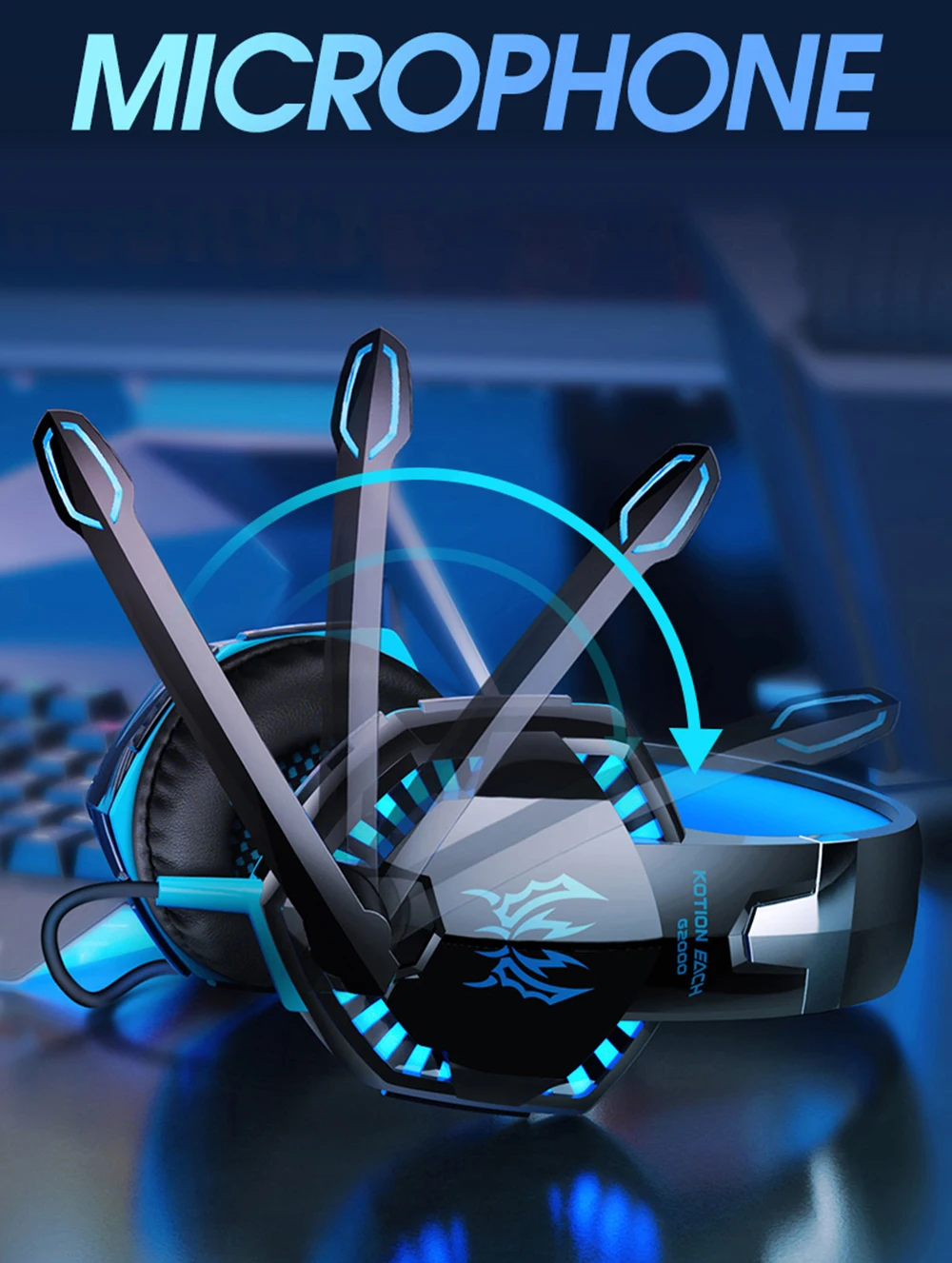
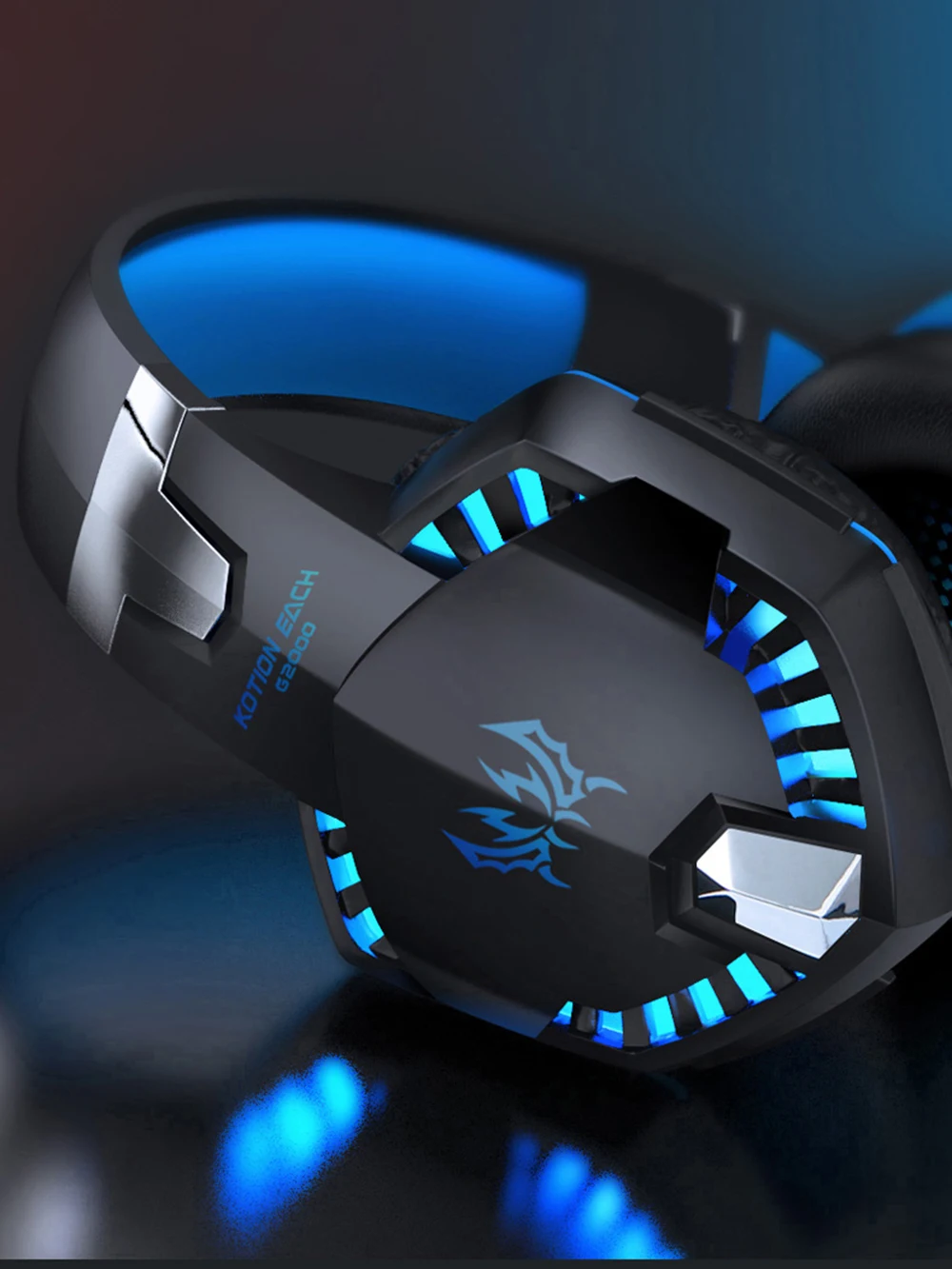
G2000 Gaming Headset Details

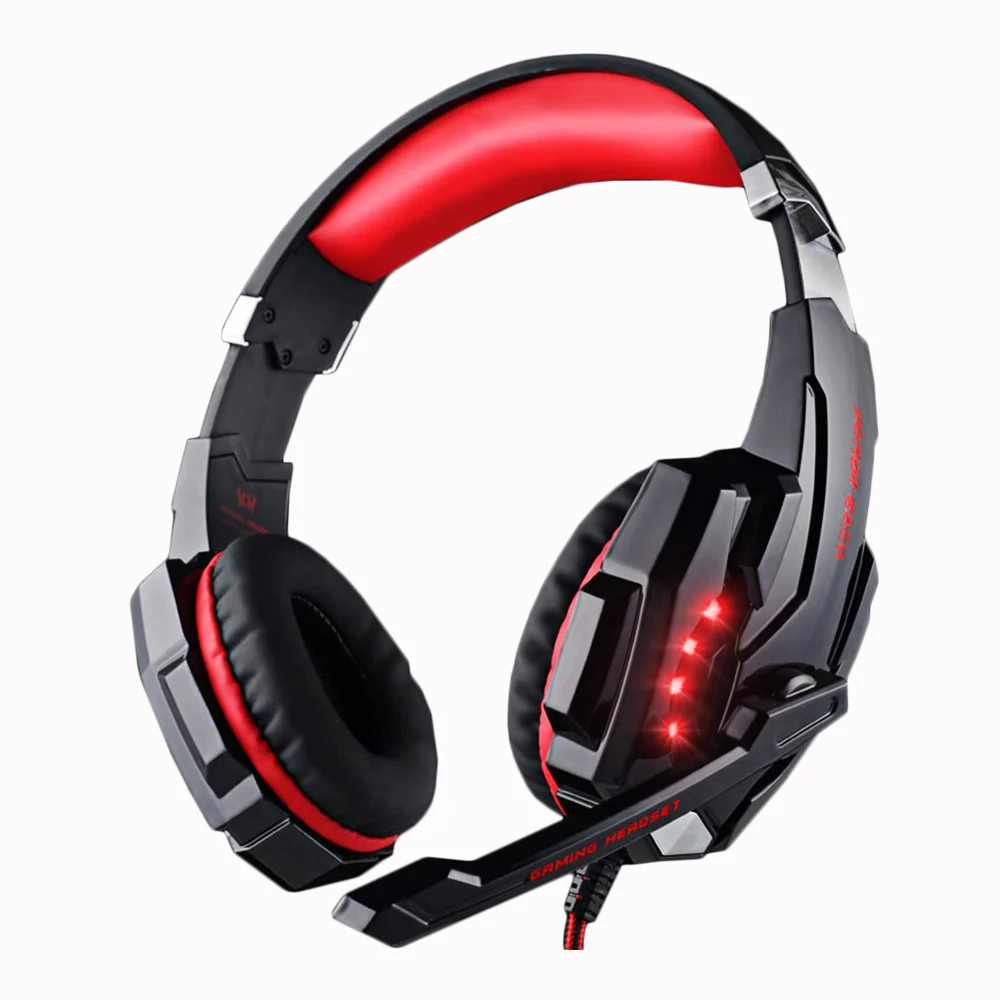
G9000 Gaming Headset Details


G4000 Gaming Headset Details
Based on 0 reviews
Only logged in customers who have purchased this product may leave a review.
Related products
-
Switches
Chatreey Mini PC KC10 Intel 10TH Core I5 10210U I7 10510U Windows 10
Choose from six vibrant color options to match your unique desktop setup. This Chatreey Mini PC KC10 features Intel 10th Gen Core i5 or i7 processors and runs on Windows 10 for reliable daily performance.
SKU: 1005002393768306 -
Switches
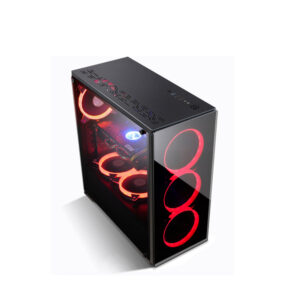
System Unit Gaming PC Assembled Core I5 I7 Dual CPU WI10 SSD HDD ODM
This assembled gaming PC features powerful Intel Core i5 or i7 processors and dual CPU capabilities for high-performance computing. Integrated SSD and HDD storage provides fast boot times and ample space for all your favorite heavy-duty titles.
SKU: 1005004133771363 -
Switches
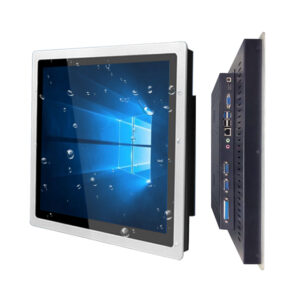
17 19 21 Inch Embedded Wall Mounted Industrial All In One PC Machine
Choose from eight different color options to match your specific industrial environment. This wall mounted all in one PC machine provides a durable, embedded solution for your facility’s switching needs.
SKU: 1005003100988579 -
Switches
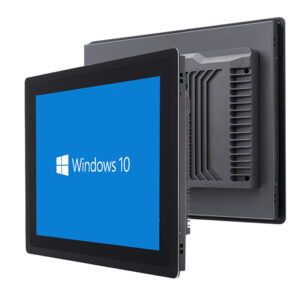
13.3 15.6 18.5 21.5 Inch Embedded Industrial Mini Tablet PC All In One
Choose from eight color options to match your specific industrial workspace requirements. This embedded mini tablet PC features versatile screen sizes ranging from 13.3 to 21.5 inches for your switching needs.
SKU: 3256803057095860
There are no reviews yet.