

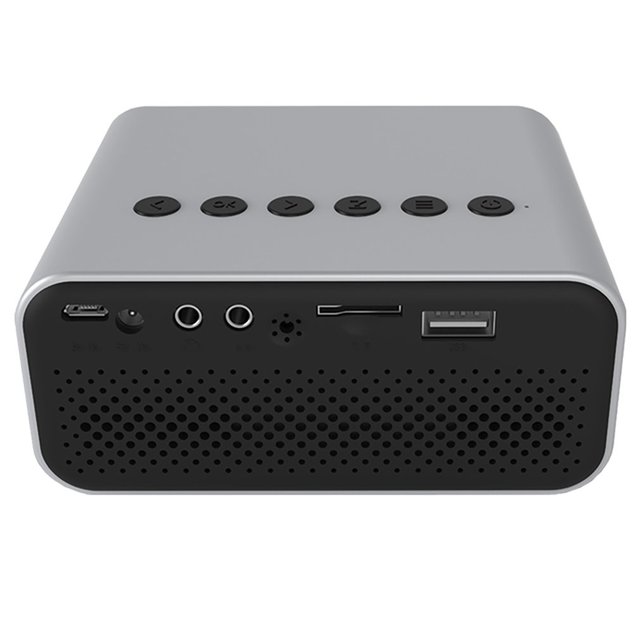


Xiaomi Mijia Photo Printer 300DPI Mi Portable Mini Pocket Picture
10 in stock
Print your favorite memories instantly with the Xiaomi Mijia Photo Printer. This portable mini pocket printer offers seven color options to help you customize every single photo.
Price range: $25.49 through $103.49
- Brand Name: XIAOMI
- Supports Network Printing: No
- Interface Type: bluetooth
- Max Paper Size: 50mm*76mm
- Double-sided Printing: No
- Type: Photo Printer
- Origin: CN(Origin)
- Paper Feed Mode: Auto
- Print Speed: 4ppm
- Internal Memory: None
- Black Print Speed: None
- Max. Resolution: 300dpi
- Color Print Speed: 45S
- Consumable Type: Thermal Paper
- Size: 124mm*85mm
- Voltage: 220-240V(±10%)
- Application: For Home Use
- Dot Matrix Printer Type: Horizontal push bills dot matrix printer
- Certification: CE
- Use: Photo Printer
- Model Number: Xiaomi Pocket Printer
Notice: 20pcs paper is without retail box.
Features:
Simply shoot or upload any video while printing photos, and you can experience the real and dynamic AR photos at any time by scanning photos.
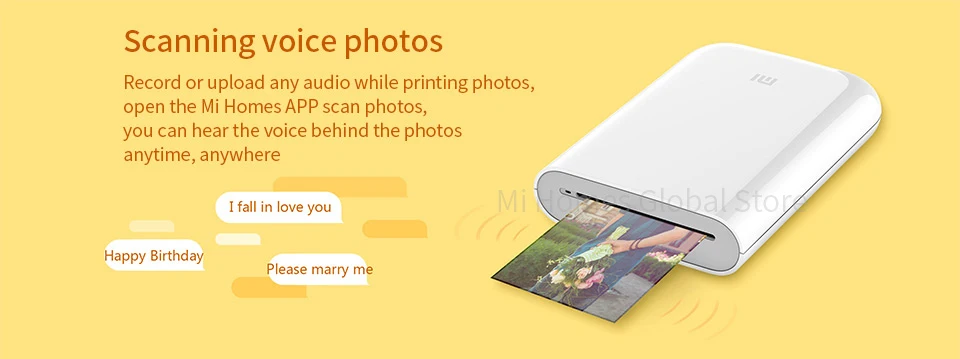
Record or upload any audio while printing photos, open the Mijia APP scan photos, you can hear the voice behind the photos anytime, anywhere.
More photo sticker templates: provide creative print space
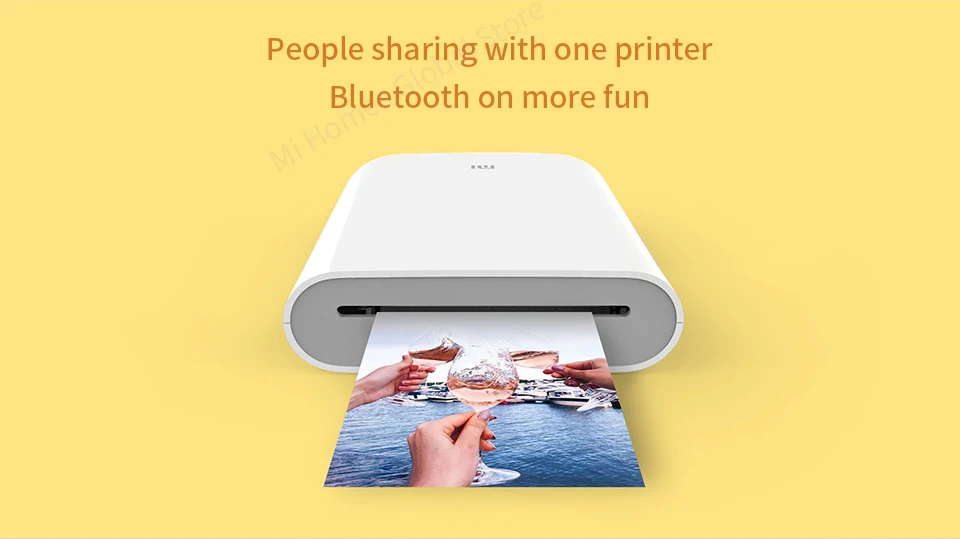
Bluetooth printing, no need for Wi-Fi, support multiple people at the same time Bluetooth connection, print in sequence.
Support system: Android 4.1 or IOS9.0 and above
Supporting devices: smart phones, smart tablets
APP: Mi Homes App
Wireless connection: Bluetooth 5.0
Interface form: Micro-USB
Printing Technology: Thermal (ZINK)
1 x USB Cable
1 x Instruction manual
5 x Printing paper
AR Function Display
15-second AR photos, more vivid records
AR photos / Phonograph / Multiple people connected at the same time / No ink 3 inch adhesive photo



the pocket, and the outer casing is made of ABS /PC
it is not easy to change the color.

Slide cover to load paper, easy to operate
Slide paper loading design, two-step loading of photo paper, smooth sliding and effortless, no need to separate the shell and the main body, better paper loading experience

color dye-based crystal embedded in the paper,
the photographic paper, no dye,


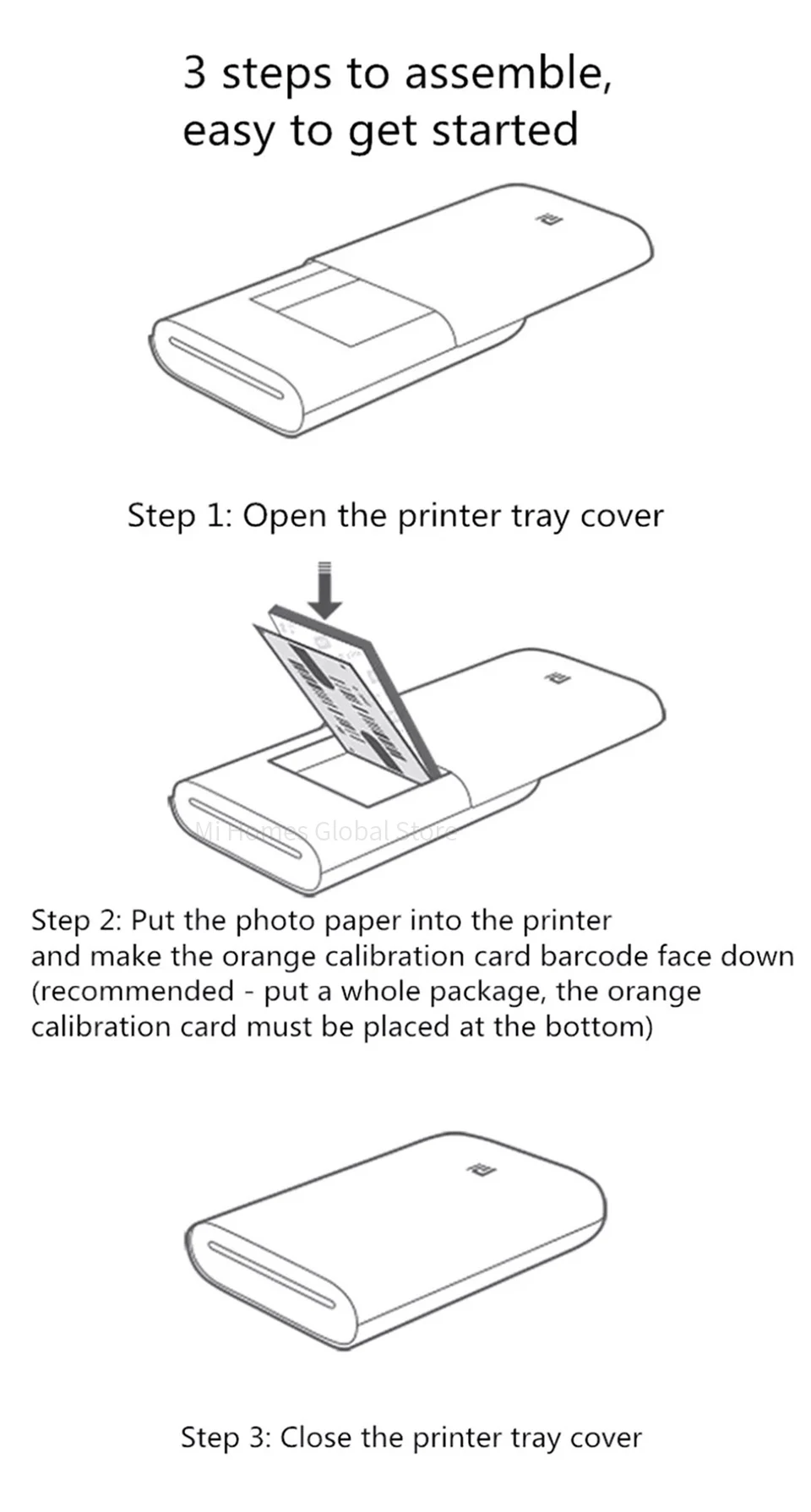
Usage(3 steps to assemble, easy to get started):
Step 1: Open the printer tray cover.
Step 2: Put the photo paper into the printer and make the orange calibration card barcode face down (recommended – put a whole package, the orange calibration card must be placed at the bottom)
Step 3: Close the printer tray cover.
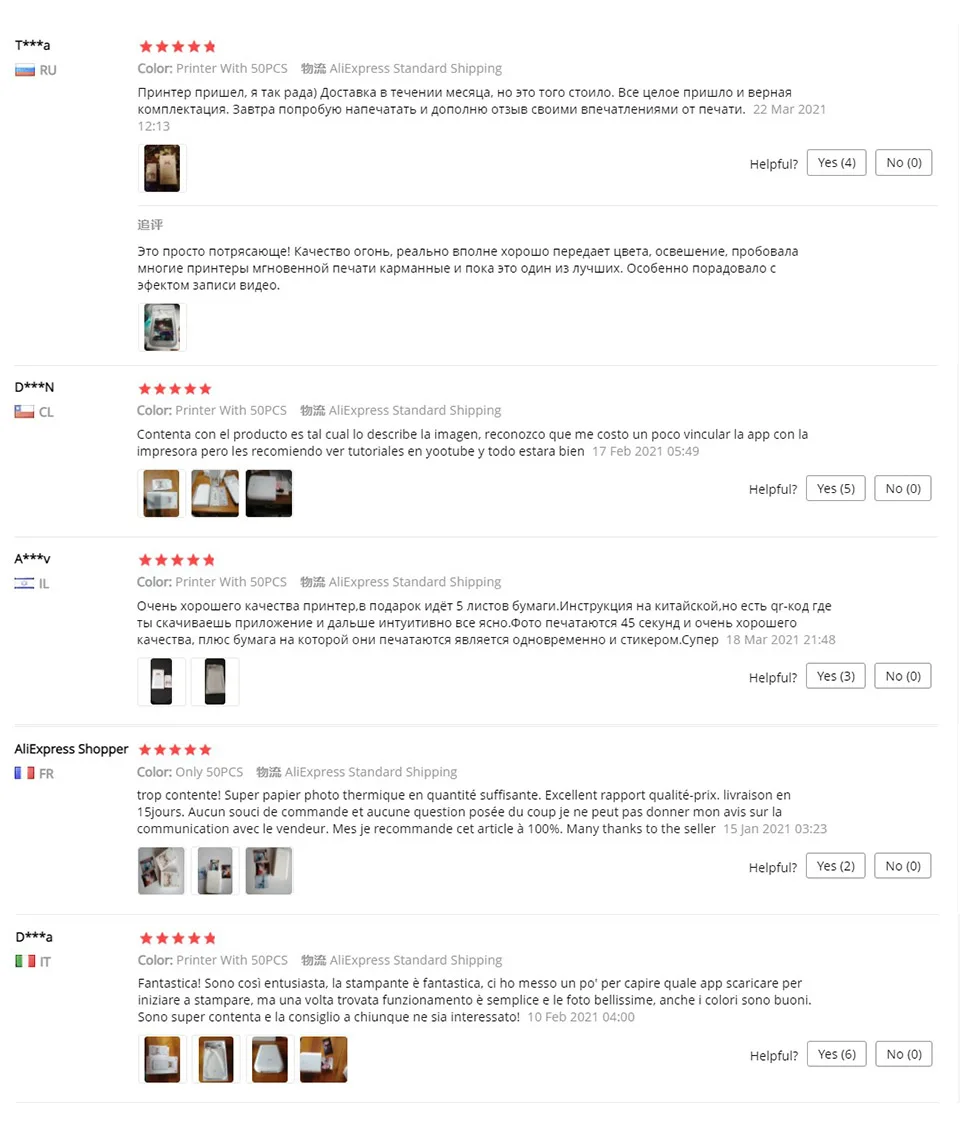
Based on 0 reviews
Only logged in customers who have purchased this product may leave a review.
Related products
-
Printers, Printers & Ink
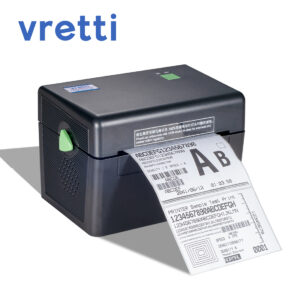
Vretti Dt108b Desktop 4×6 Thermal Label Printer Compatible With Windows
Print professional 4×6 shipping labels quickly with this Vretti DT108B desktop thermal printer. This reliable device is fully compatible with Windows systems to streamline your daily order fulfillment process.
SKU: 1005004042790147 -
-
Printers, Printers & Ink
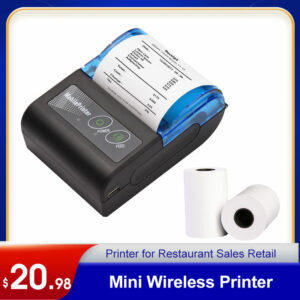
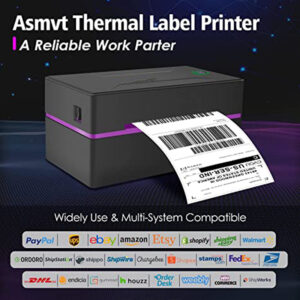
Mini Thermal Printer 2 Inch Wireless USB Receipt Bill Ticket Printer
Choose from three color options to match your style with this portable 2 inch wireless printer. This compact device connects via USB and ships from the US for quick delivery to your doorstep.
SKU: 1005003769030698 -
Printers, Printers & Ink
Goojprt 110MM Desktop Thermal Label Printer For 4×6 Shipping Package
Choose from six color options to match your workspace aesthetic with this desktop thermal label printer. This 110mm device provides efficient printing for all your 4×6 shipping package needs.
SKU: 1005004097183867
There are no reviews yet.