



Official Raspberry Pi 4 Model B 4G Dev Board Kit RAM 4 Core CPU 1.5ghz
17 in stock
Power your next IoT project with this official Raspberry Pi 4 Model B kit featuring a 1.5GHz quad-core CPU. The 4GB of RAM provides the essential performance needed for demanding computing tasks and complex hardware integration.
$91.99
17 in stock
- Hign-concerned Chemical: None
- Model Number: Raspberry Pi 4
- Origin: Mainland China
- RAM: 4GB
- CPU: 4 core 1.5GHz
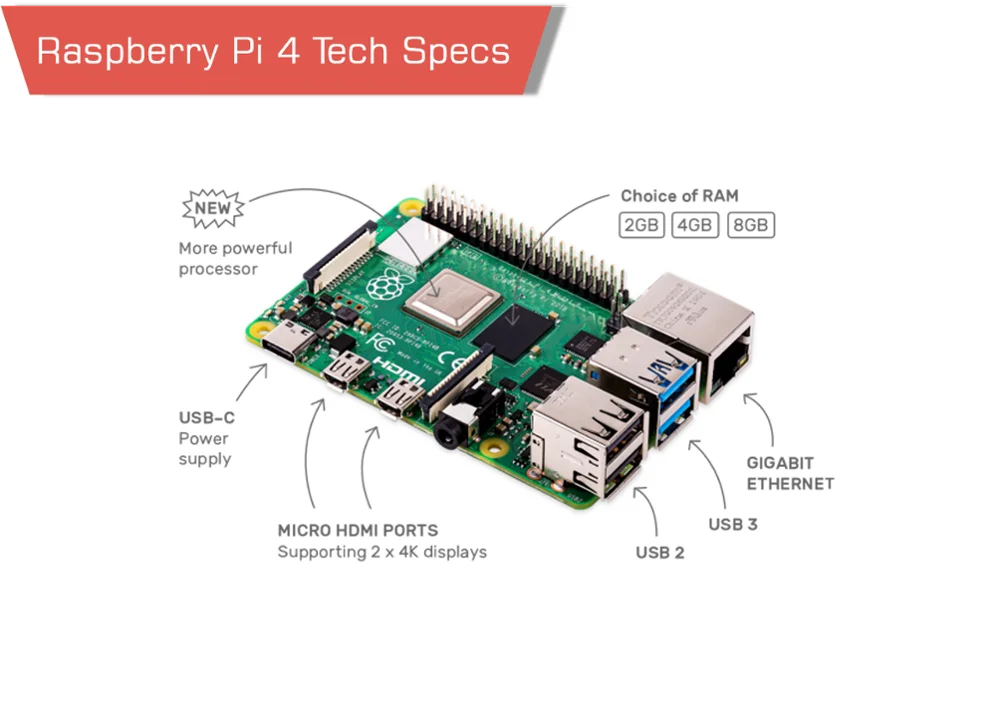
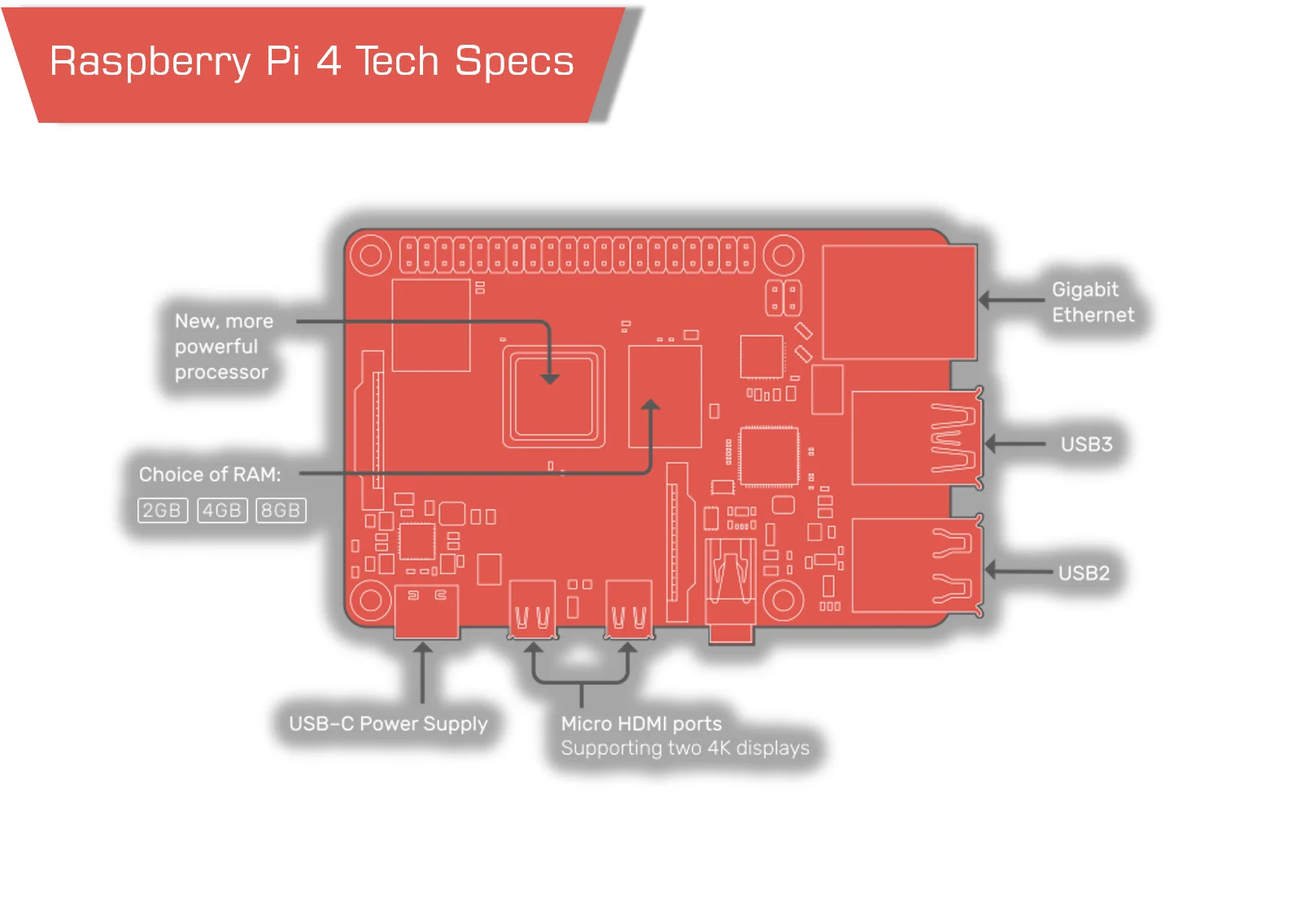
- Video Output: 2 uHDMI
- Connectivity: Bluetooth and Wi-Fi
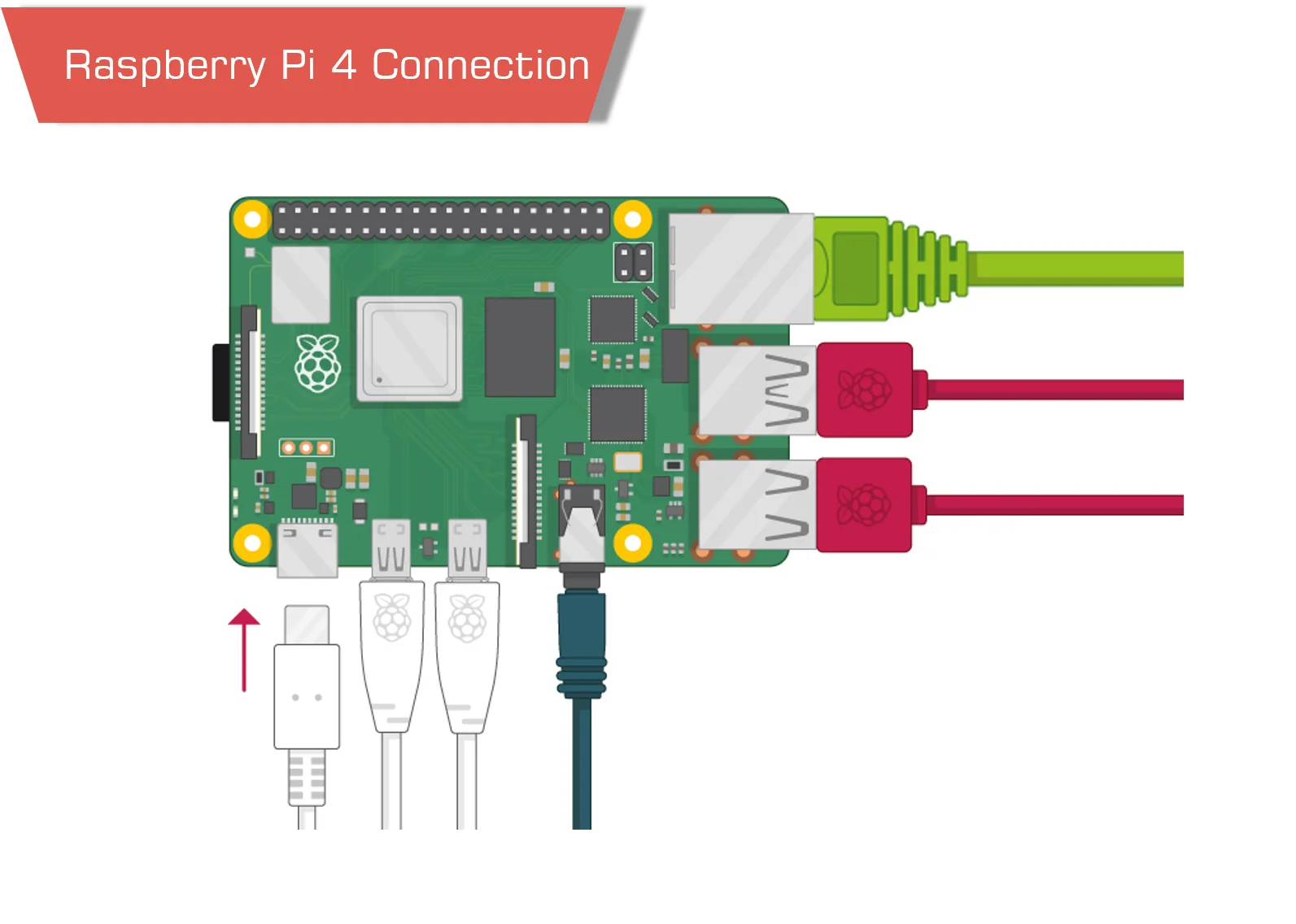
- Power Input: USB-C connector
- Power Adaptor: 5V
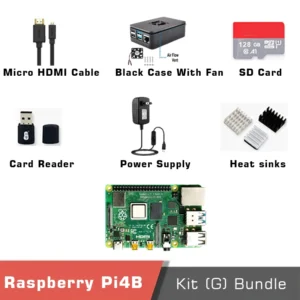
Raspberry Pi 4 Model B 4GB RAM
Accessories for raspberry pi setup:
We recommend the following accessories to use with your raspberry Pi board:
-
You can buy our package of Raspberry Pi 4B with Argon V2 case, HDMI cable, Power adaptor, and MicroSD card
-
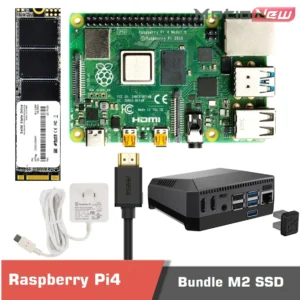
You can buy our package of Raspberry Pi 4B with Argon M2 case, HDMI cable, Power adaptor, and SSD drive
-
You can buy our package of Argon M2 case with SSD drive
-
You can buy our package of Argon neo, HDMI cable, Power adaptor, and MicroSD card
-
You can buy a 15W USB-C power supply – we recommend the official USB-C Power Supply
-
You can buy a SSD drive with 128GB, 256GB, or 512GB storage
-
You can buy a Argon one M.2 case
-
You can buy a Argon one V2case
-
You can buy a Argon EONcase if you want to build a NAS storage
Specifications:
-
CPU: Broadcom BCM2711, Quad core Cortex-A72 (ARM v8) 64-bit SoC @ 1.5GHz
-
RAM: 4GB LPDDR4-3200 SDRAM (depending on model)
-
Wireless connections: 2.4 GHz and 5.0 GHz IEEE 802.11ac wireless, Bluetooth 5.0, BLE
-
Wired Connections: Gigabit Ethernet
-
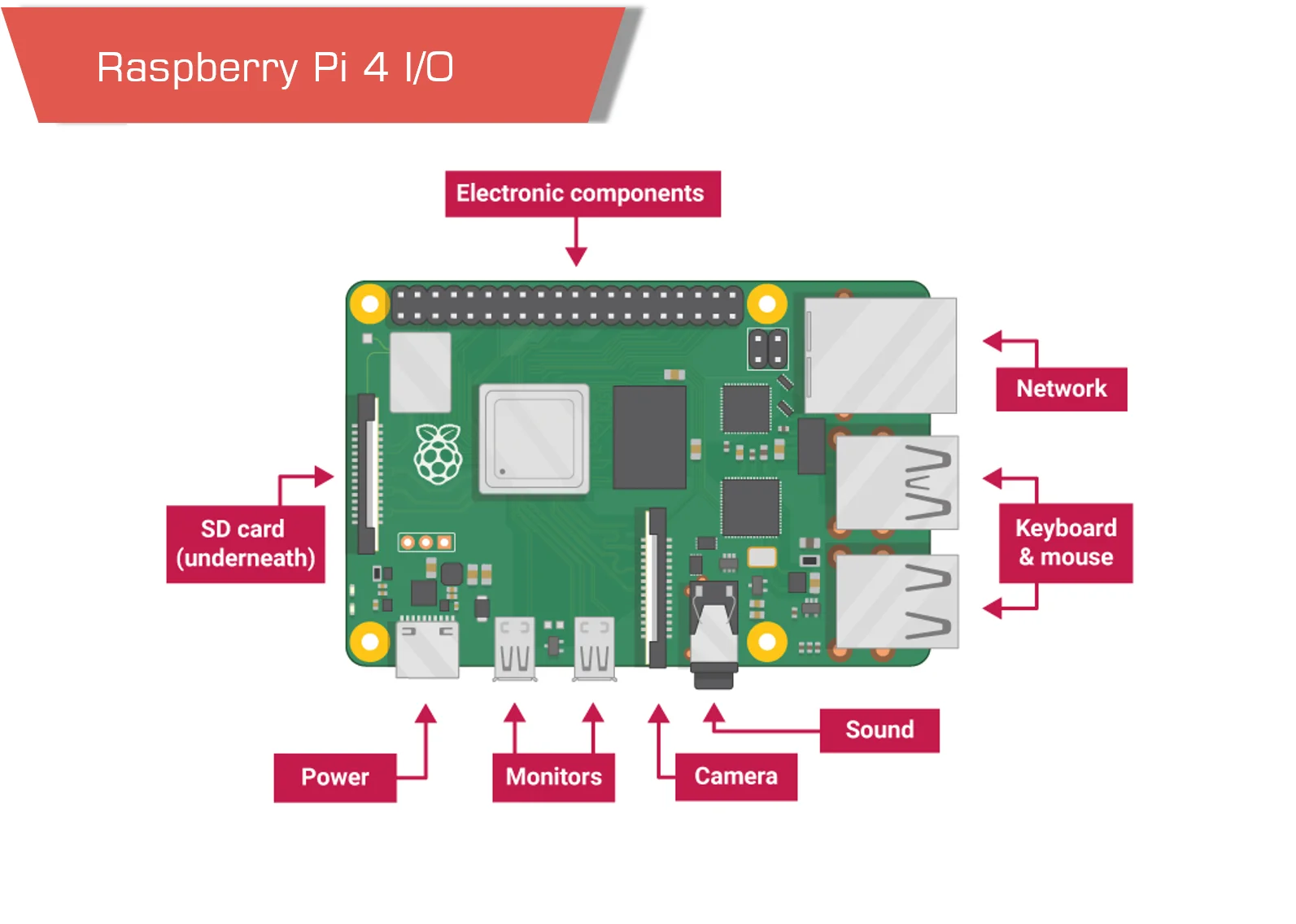
USB Ports: 2x USB 3.0 ports; 2 USB 2.0 ports.
-
GPIO connector: Raspberry Pi standard 40 pin GPIO header (fully backwards compatible with previous boards)
-
Video Connector: 2x micro-HDMI ports (up to 4kp60 supported)
-
Camera and Display: MIPI DSI display port — MIPI CSI camera port
-
Audio: stereo audio and composite video port
-
Video Encoding: H.265 (4kp60 decode), H264 (1080p60 decode, 1080p30 encode)
-
Graphics Support: OpenGL ES 3.0 graphics
-
SD card Slot: Micro-SD card slot for operating system and data storage
-
Input Power Option 1: 5V DC via USB-C connector (minimum 3A*)
-
Input Power Option 2: 5V DC power via GPIO header (minimum 3A*)
-
Input Power Option 3: Power over Ethernet (PoE) enabled (requires separate PoE HAT)
-
Operating temperature: 0 – 50 degrees C ambient
Software & OS
Beginners should start with the NOOBS (New Out Of Box Software) operating system installation manager, which gives the user a choice of operating system from the standard distributions.
Raspberry Pi 4 OS (previously called Raspbian) is the recommended operating system for normal use on a Raspberry Pi 4.
Find help with installing Raspberry Pi 4 OS on your Raspberry Pi4 in official online Getting started guide.
You can browse basic examples to help you get started with some of the software available in Raspberry Pi 4 OS, find more detail about Raspberry Pi 4 OS, or read information on fundamental Linux usage and commands for navigating the Raspberry Pi 4 and managing its file system and users.
We also produce and sell many kinds of electronic products. We haven't published most of them online yet. So if you need anything you can contact us
FeedBack
We will really appreciate your early confirmation when placing the order.
Since your feedback is very important to our business development, we sincerely invite you to leave positive feedback for us if you are satisfied with our product and service. It will only take you 1 minute, but this 1 minute has the extremely vital meaning to us.
Please contact us before leaving any negative or neutral feedback. We will work with you to solve any problem. Thank you for your understanding!

Based on 0 reviews
Only logged in customers who have purchased this product may leave a review.
Related products
-
IoT Devices, Security & Protection
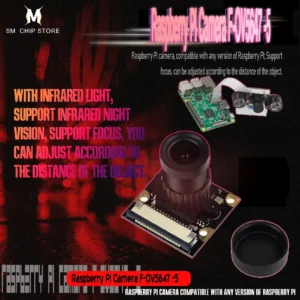
Arducam 5MP Camera For Raspberry Pi, 1080P HD OV5647 Camera Module V1
 IoT Devices, Security & Protection
Arducam 5MP Camera For Raspberry Pi, 1080P HD OV5647 Camera Module V1
Capture high-quality 1080P HD photos and videos with this 5MP OV5647 camera module for Raspberry Pi. This compact sensor provides reliable imaging performance for your next IoT project or DIY robotics build.
SKU: 3256807123201175 -
IoT Devices, Security & Protection
Official Raspberry Pi 4 Model B RAM 4GB 8GB 4B With Essential
Choose your favorite from nine vibrant color options to match your unique setup. This Official Raspberry Pi 4 Model B provides reliable performance for all your essential IoT device projects.
SKU: 3256801828923948 -
Security & Protection, Security Alarm
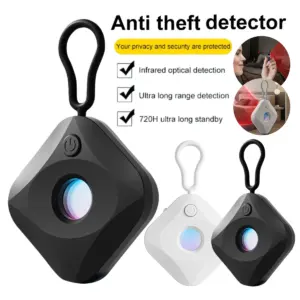
Wireless Anti Spy Detector Infrared Camera Finder Security Protection
 Security & Protection, Security Alarm
Wireless Anti Spy Detector Infrared Camera Finder Security Protection
Protect your privacy with this wireless infrared camera finder, available in two different color options. This essential security tool ships from the US to ensure you can quickly detect hidden spy devices.
SKU: 3256807871001845 -



There are no reviews yet.